
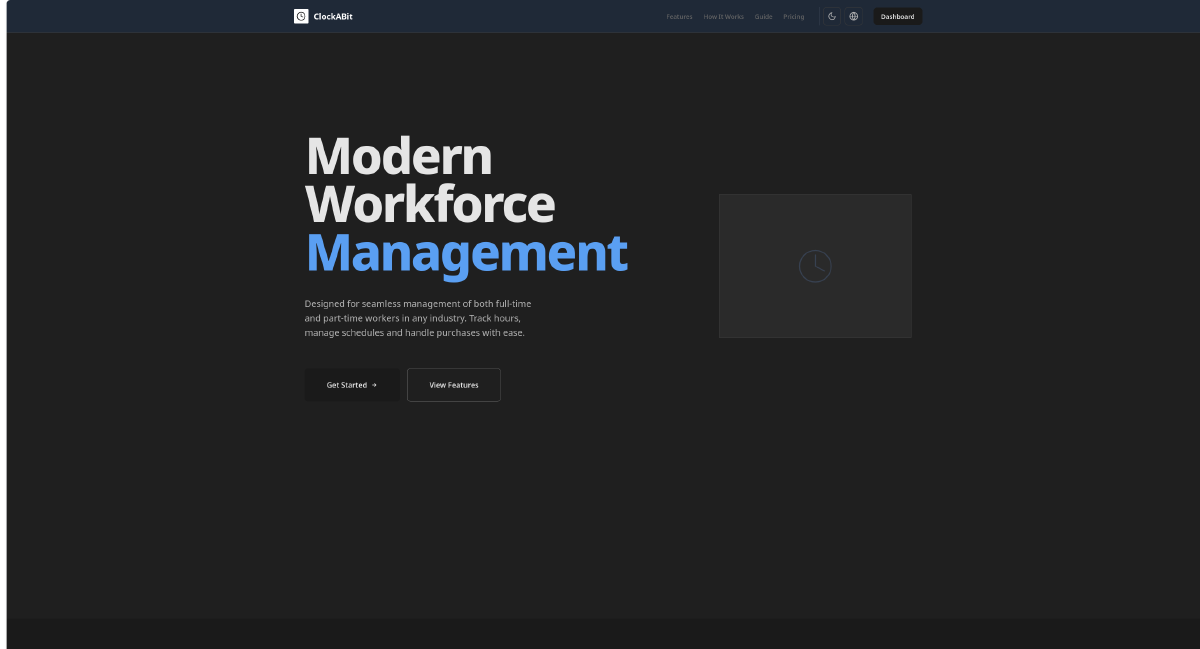

"One platform for the whole operation — managers, employees, and the store floor"
Overview #
The Problem #
Running a business with shift workers means juggling a lot of moving parts. Who’s scheduled this week? Did that employee clock in? What did they buy at the store? When does payroll need to go out? Most small businesses handle this across a mix of spreadsheets, paper sign-in sheets, and disconnected tools — and it breaks down fast once you have more than a handful of employees or locations.
ClockABit was built to replace that mess. The goal was a single platform that covers the full employee lifecycle — from scheduling and clock-in to purchase tracking and payroll reporting — without requiring the business owner to be a software expert to run it.
What I built #
A workforce management platform with two distinct interfaces: a management dashboard for business owners and managers, and a kiosk interface for on-site use by employees.
The dashboard covers everything: scheduling shifts (including recurring patterns and swap requests), tracking attendance, logging purchases, exporting payroll summaries, and managing who on the team can see and do what.
The kiosk is designed for a tablet mounted in the store. Employees tap in with a PIN or QR code to clock in, clock out, or log a purchase — without ever seeing the management side.
Where it stands now #
The core platform is production-ready and actively used. The current focus is on improving the purchases and payroll reporting features.
Upcoming:
- Better purchase analytics and reporting
- More payroll export formats
- Mobile-friendly views for managers on the go
Interesting Challenges #
Two apps that look like one #
The manager dashboard and the kiosk are part of the same product, but they serve completely different people in completely different situations. A manager logs in once and works from a desk. An employee walks up to a tablet, taps in for 10 seconds, and walks away.
Rather than build one app and bolt on conditional logic everywhere, I kept them fully separated — different login flows, different layouts, different parts of the app entirely. It made each side much simpler to build and much harder to break accidentally.
Access control that reflects real org structures #
Different people need to see very different things. A department manager should be able to handle schedules for their team, but not see another department’s payroll. A store owner needs everything.
Instead of a few fixed roles, I built a system of granular permissions that can be scoped to a specific department or the whole business. The result is that you can describe almost any real org structure without resorting to workarounds.
Scheduling is never as simple as it looks #
On the surface, a shift is just a start time and an end time. In practice it involves recurring patterns, employees applying to open shifts, swap requests that need manager approval, time-off that blocks scheduling, and making sure nothing overlaps. The challenge wasn’t implementing any one of those — it was keeping the interface clear and consistent across all of them.
Payroll across multiple periods #
Payroll exports need to cover the current pay period and several past ones, sliced in different ways — by store, by department, by employee. The trick was making the overview fast and browsable without loading all the data upfront, then only pulling the full detail when someone actually wants to export it.
Technologies Used #
Frontend #
- React + TypeScript: Component-based UI with strict typing throughout
- Vite: Fast builds with code splitting per page
- Tailwind CSS: Utility-first styling
- React Router: Client-side routing with lazy-loaded pages
- Axios: API communication with automatic token refresh
Tools #
- Figma: UI/UX design
- Docker: Local development environment
- Vitest: Unit and component testing
Gallery #


